
/examples/wasm/README.md
- Code: code.asyncmachine.dev
- Code: GitHub
This is a simple example of WASM interop and communication between two distributed async state machines
(foo and bar). The complete WASM support allows having a single state-machine which is fully (or selectively)
distributed across n servers and m browsers, using efficient diff-based synchronization.
Running
git clone https://github.com/pancsta/asyncmachine-go.gitcd asyncmachine-go/examples/wasm../../scripts/dep-taskfile.shtask start
Testing
wasm_test.go is an integration test which runs the same commands as task start (WASM build, go run ./server),
opens RELAY_HTTP_ADDR from .env in a headless browser and asserts that mutations flow both
ways over aRPC.
go test ./examples/wasm
It needs a headless Chrome / Brave (override with AM_WASM_BROWSER) and RELAY_HTTP_ADDR to be bindable. It’s skipped
with -short.
Implementation
cenkalti/rpc2 (fork of net/rpc), and coder/websocket
with TCP-over-WebSocket bridged using /tools/cmd/am-relay. The connection between
foo and bar machines is
full-duplex, meaning each side is both a client and a server for the other one. This allows for mutations passing both
sides.

Note
- Blue - real state machine
- Blue+orange - real state machine and state source
- Green - network state machine (mirror)
- Grey - regular struct with methods
Debugging
Both server-foo and browser-bar connect to a single am-dbg instance running on
the server and can be stepped through, with context from all the other machines.
Both server-foo and browser-bar expose REPLs.
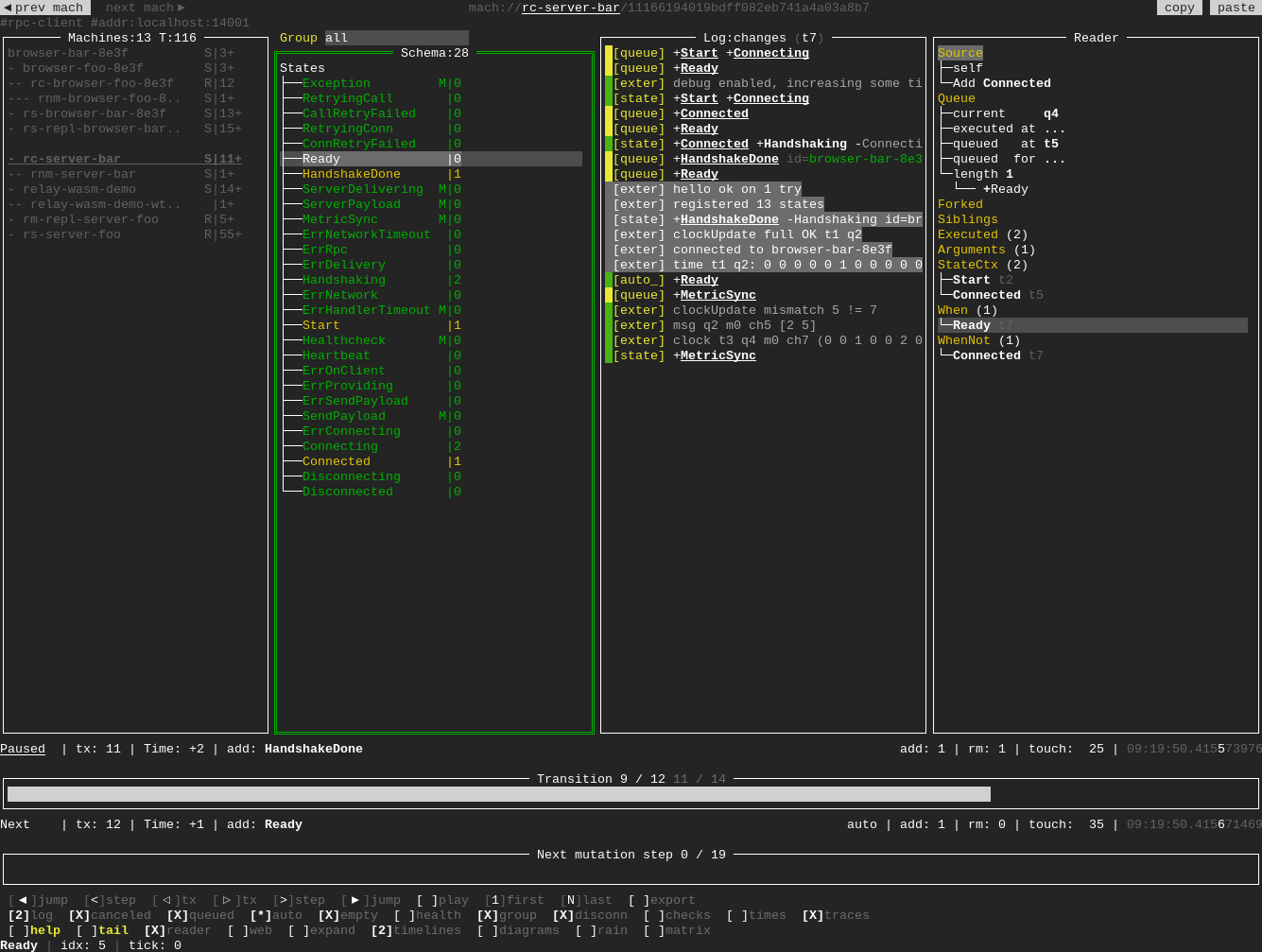
Interactively use the TUI debugger with data pre-generated by this example:
go run github.com/pancsta/asyncmachine-go/tools/cmd/am-dbg@latest \
  --import-data https://assets.asyncmachine.dev/am-dbg-exports/wasm.gob.br \
  mach://server-foo
Machine Diagrams
# render
am-vis --bird render-dump am-dbg-dump.gob.br

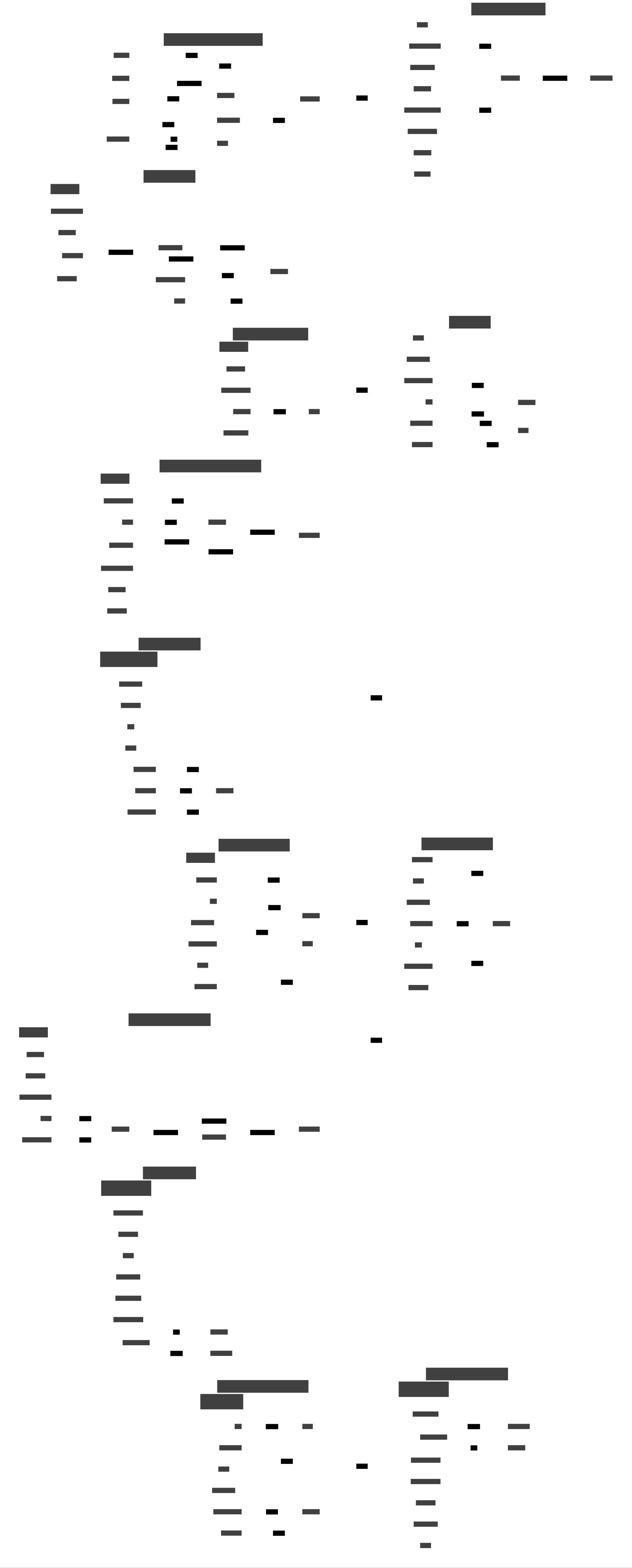
Extended Network Diagram
The extended machine diagram additionally contains RPC clients and servers (aka noise).
# generate with .env
AM_RPC_LOG_SERVER=1
AM_RPC_LOG_CLIENT=1
AM_RPC_LOG_MUX=1
AM_RPC_DBG=1

# render
am-vis --bird render-dump am-dbg-dump.gob.br
Click to expand the diagram
Commands
$ task --list-all

task: Available tasks for this project:
* build:            Development build
* build-prod:       Optimized build
* deps:             List dependencies in deps.md
* deps-graph:       Render dependencies graph in deps-graph.svg
* repl:             Start REPL for both server and browser
* start:            Build and start server
Practical Implementation
This architecture was used to create an RPC-driven WASM PWA for the secai project. Opening the webapp in multiple tabs will keep all UI instances synchronized, driven by server’s state mutations over aRPC.
monorepo
Go back to the monorepo root to continue reading.